
What Is Pixel Art?
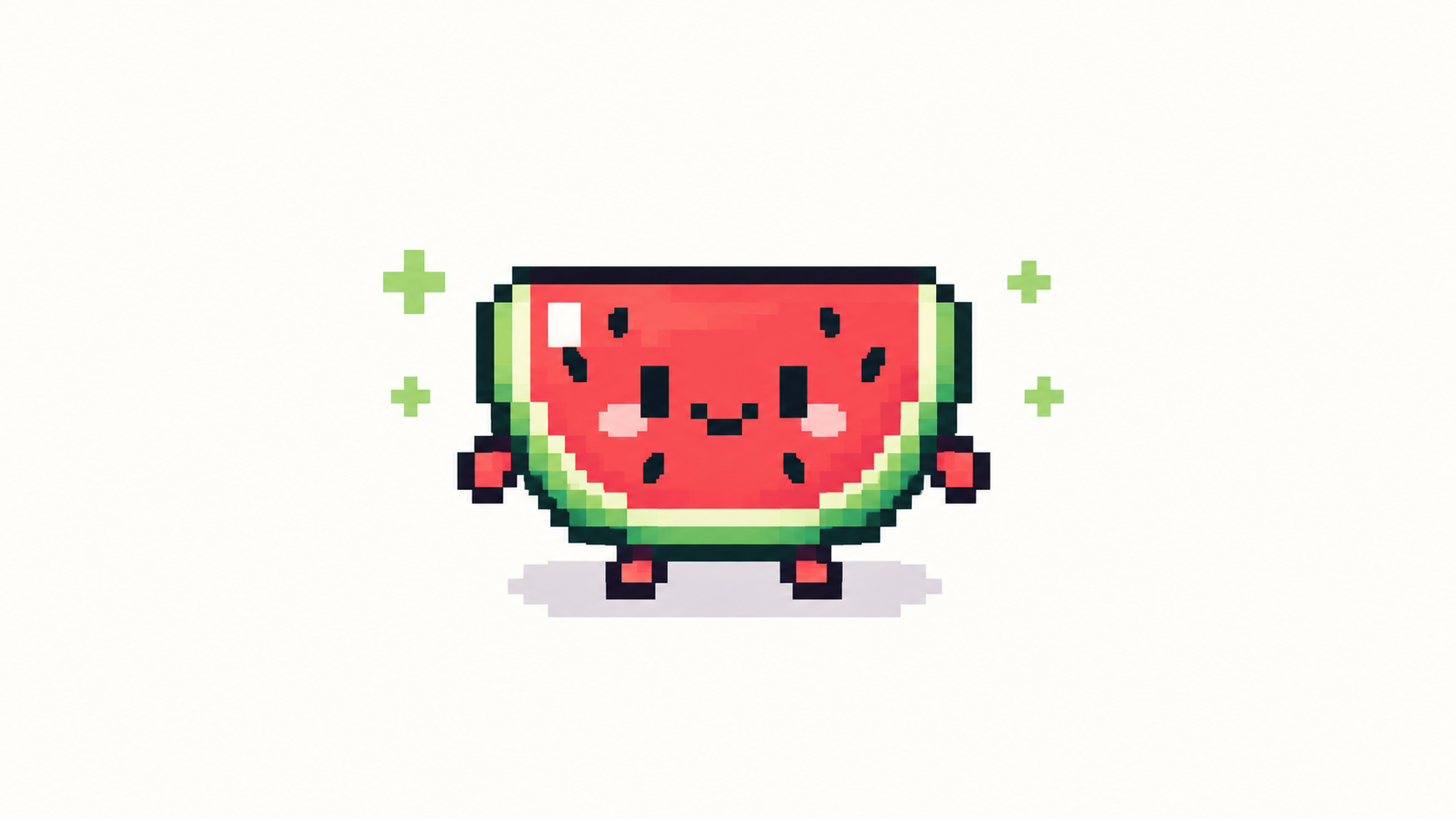
Pixel art is imagery where individual pixels are placed deliberately and remain visible as part of the style — not a small photo, but a drawing built pixel by pixel.
Pixels you can see, placed on purpose
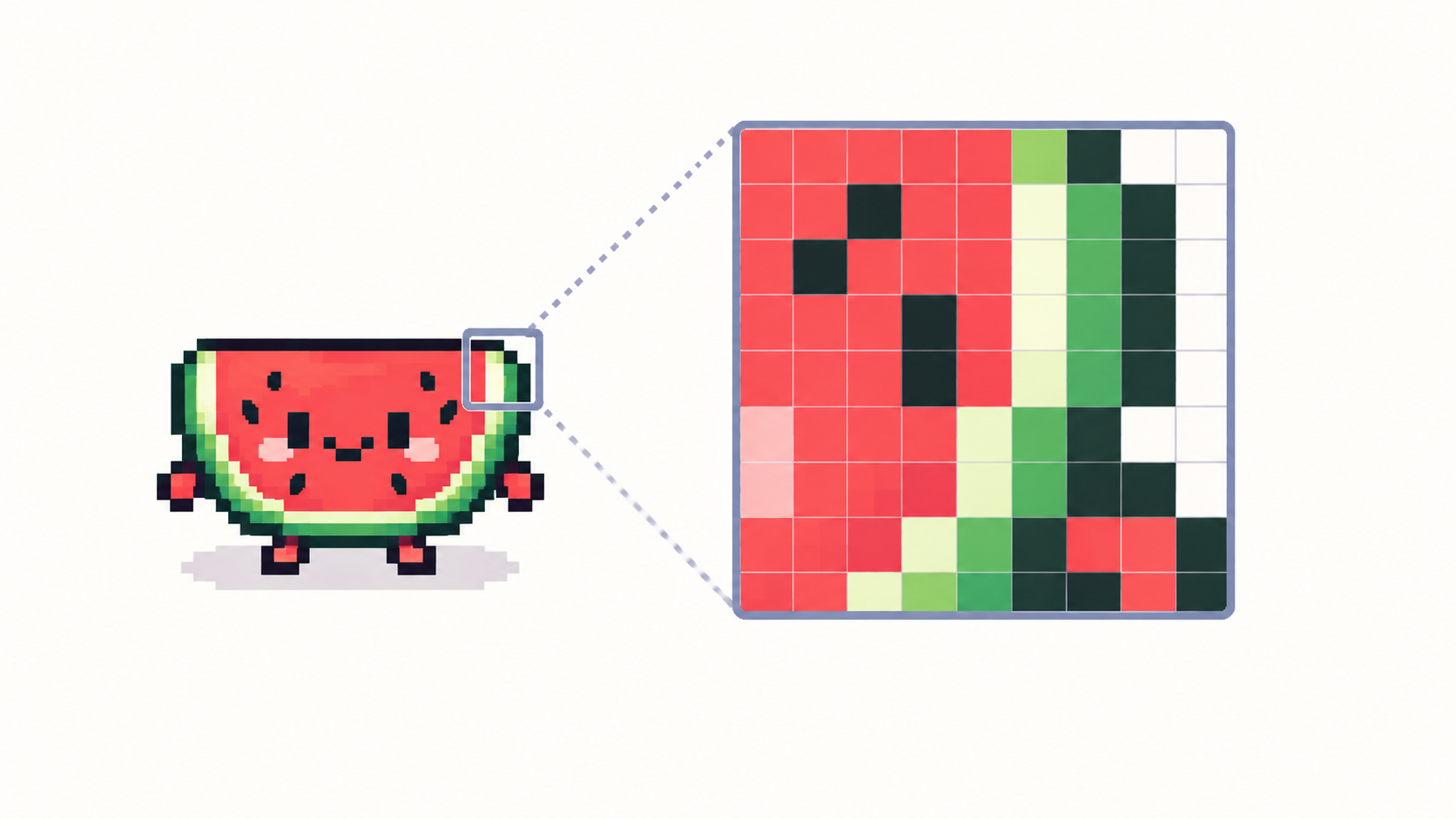
A digital image is always a grid of pixels. In most art the grid is invisible; in pixel art it is the point. Every square is chosen: its position, its color, its relationship to its neighbors. Zoom into a sprite and you find clean clusters and deliberate steps — zoom into a shrunken photo and you find mush. That difference is the whole definition.
The style was born from hardware limits — early consoles and computers could show only a handful of colors at tiny resolutions — and survived as an aesthetic choice long after the limits disappeared.
Where pixel art lives today
- Video games: sprites, tiles, portraits and UI, from retro revivals to modern indies.
- Icons and avatars: readable at 16 × 16, charming at any size.
- Stickers, emotes and NFTs-adjacent collectibles: small canvases with bold shapes travel well.
- Animation loops: tiny frame counts read as character instead of limitation.
What pixel art is not
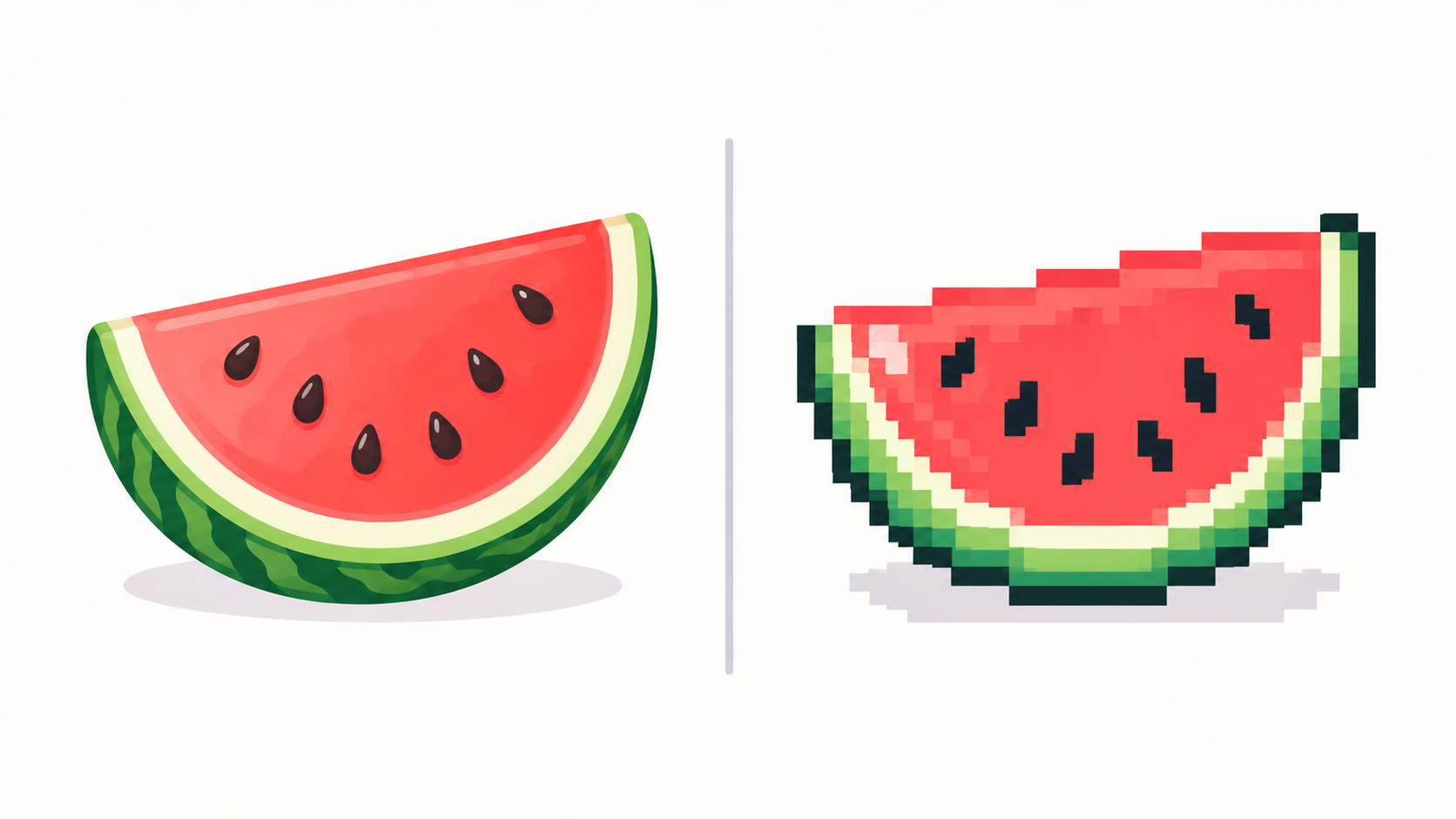
- A photo shrunk to 10% is a small photo, not pixel art — no decisions were made per pixel.
- A blurred or heavily filtered image at low resolution is just low quality.
- Vector art with a “pixel” filter on top borrows the look without the craft.
The test is always the same: can you point at individual pixels and explain why each one is that color? If yes, it is pixel art.
How to start making it
Open a small canvas — 32 × 32 is the classic starting point — pick a handful of colors, and place pixels until a shape reads. How to make pixel art walks the full first session; resolution explained covers why size choice matters so much.
Frequently asked questions
Is pixel art just small images?
No. Size is a side effect; deliberate per-pixel decisions are the definition. A shrunken photo has neither.
What resolution is pixel art?
There is no single number — sprites commonly run 16 to 128 px per side — but the pixels must stay visible and intentional at display size.
Do I need special software?
Any editor that paints hard-edged pixels without anti-aliasing works. PixiMelon runs in the browser with layers, palettes and export built in.
Is pixel art still relevant for modern games?
Very: indie hits, UI, icons and animation loops all prize readable small art — constraints became an aesthetic, not a limitation.
Ready to draw? Open the Pixel Art Maker