
Pixel Art Resolution Explained
Three numbers get confused constantly: the canvas you draw on, the pixels themselves, and the size at which the art is shown. Here is how they relate.
Canvas size is your resolution
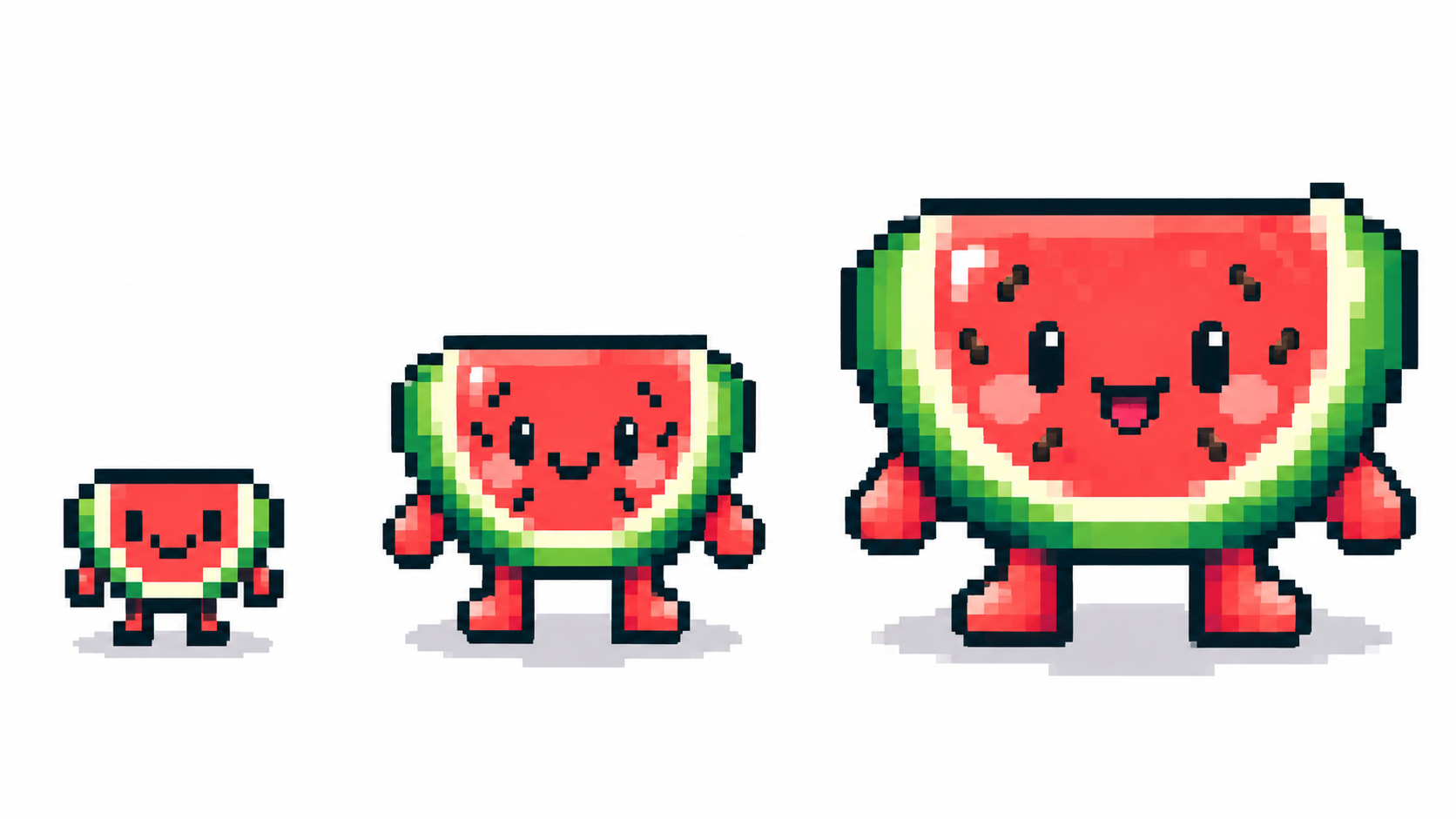
In pixel art, the canvas size is the resolution. A 32 × 32 canvas holds exactly 1,024 pixels, and each one is a decision. Common landmarks:
- 16 × 16 — icons, tiles, tiny sprites. Every pixel carries weight; readability beats detail.
- 32 × 32 — the classic sprite: characters, items, emotes.
- 64 × 64 — portraits and detailed single subjects.
- 128 × 128+ — scenes and illustrations that still read as pixel art.
In PixiMelon you can also type any custom size from 4 to 2048 px per side, and resize later — the artwork scales with the canvas.
Display size is separate — scale in whole multiples
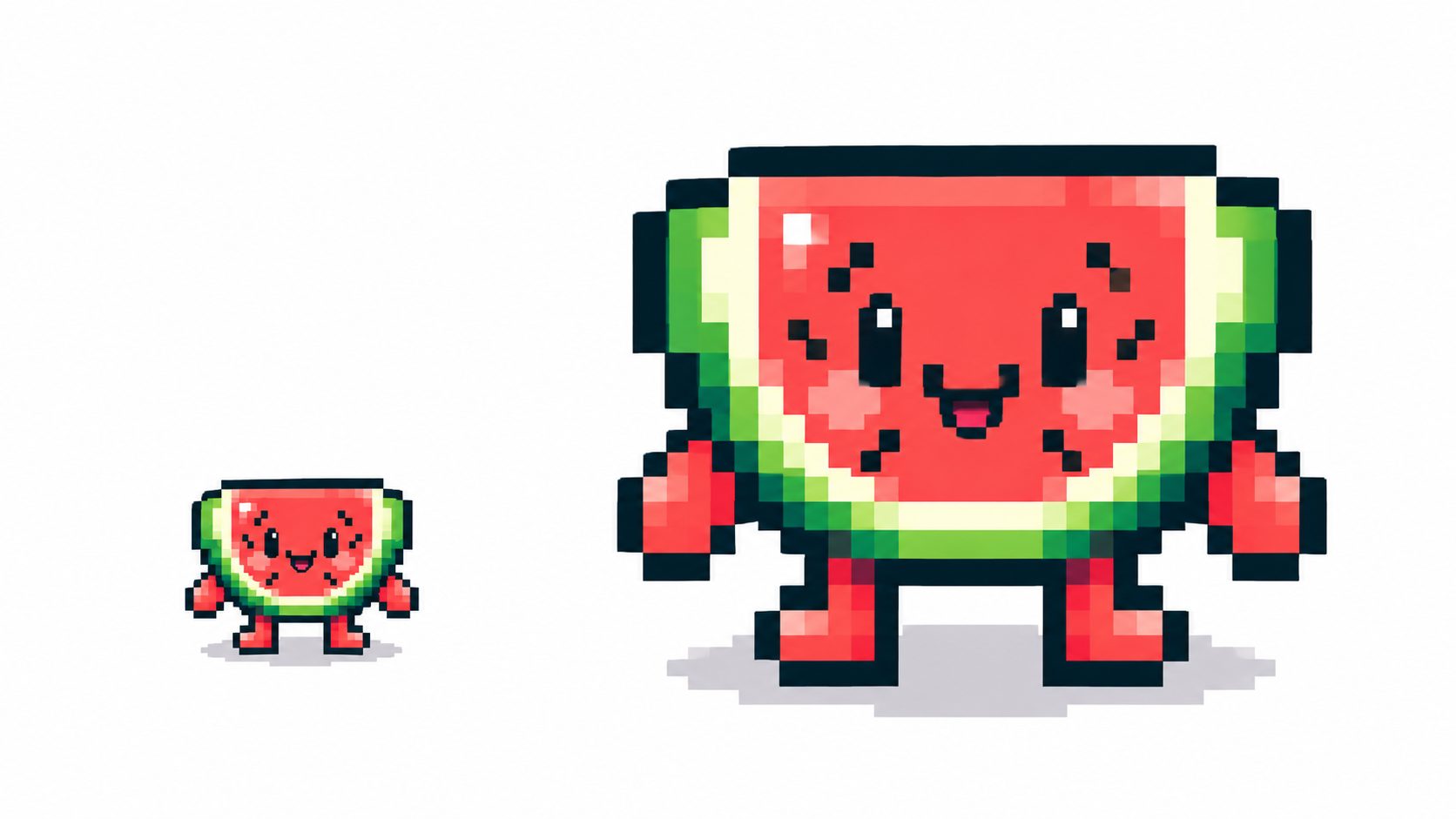
Nobody views a 32 px sprite at 32 screen pixels. Art is displayed enlarged, and the multiplier matters: 2×, 4×, 8× keep every source pixel as a clean block. Non-integer scales (1.5×, 2.3×) make some pixels wider than others and shimmer in motion. Rule of thumb: scale by whole numbers — PixiMelon exports PNG at native size, so enlarge it in whole multiples in any viewer with smoothing off.
How to choose for your project
- Game sprite with a known tile grid? Match it — a 16 px grid wants 16 px art.
- Avatar or sticker? 32–64 px; detail survives, files stay tiny.
- Unsure? Start at 32 × 32. It is easier to add detail to a working small sprite than to simplify a muddy big one.
- Converting a photo? The converter’s resolution slider is the same decision in reverse — the conversion workflow and input resolution guidance cover it.
Common resolution mistakes
- Drawing big then shrinking and calling it pixel art — the shrink decides your pixels, not you.
- Mixing pixel densities in one scene (a 16 px character on a 64 px background) — pick one grid per piece.
- Exporting at odd scales for the web — prefer exact multiples or true vector SVG export.
Frequently asked questions
What is the best canvas size for beginners?
32 × 32. Big enough for a character, small enough that every pixel teaches you something.
How big should pixel art be displayed?
Any whole multiple of the canvas (2×, 4×, 8×). Avoid fractional scales that warp pixels unevenly.
Can I resize pixel art later?
Yes, but resampling invents or merges pixels. In PixiMelon the canvas resize scales your artwork; check edges afterwards by hand.
Should every asset in one project share a resolution?
Yes — one grid per piece. A 16 px character on a 64 px background breaks scale; pick the grid first and draw everything on it.
Ready to draw? Open the Pixel Art Maker