
Floyd–Steinberg Dithering Explained
Your converter’s dithering toggle runs one specific algorithm from 1976. Understanding it takes ten seconds and improves every conversion you make.
Error diffusion in one paragraph
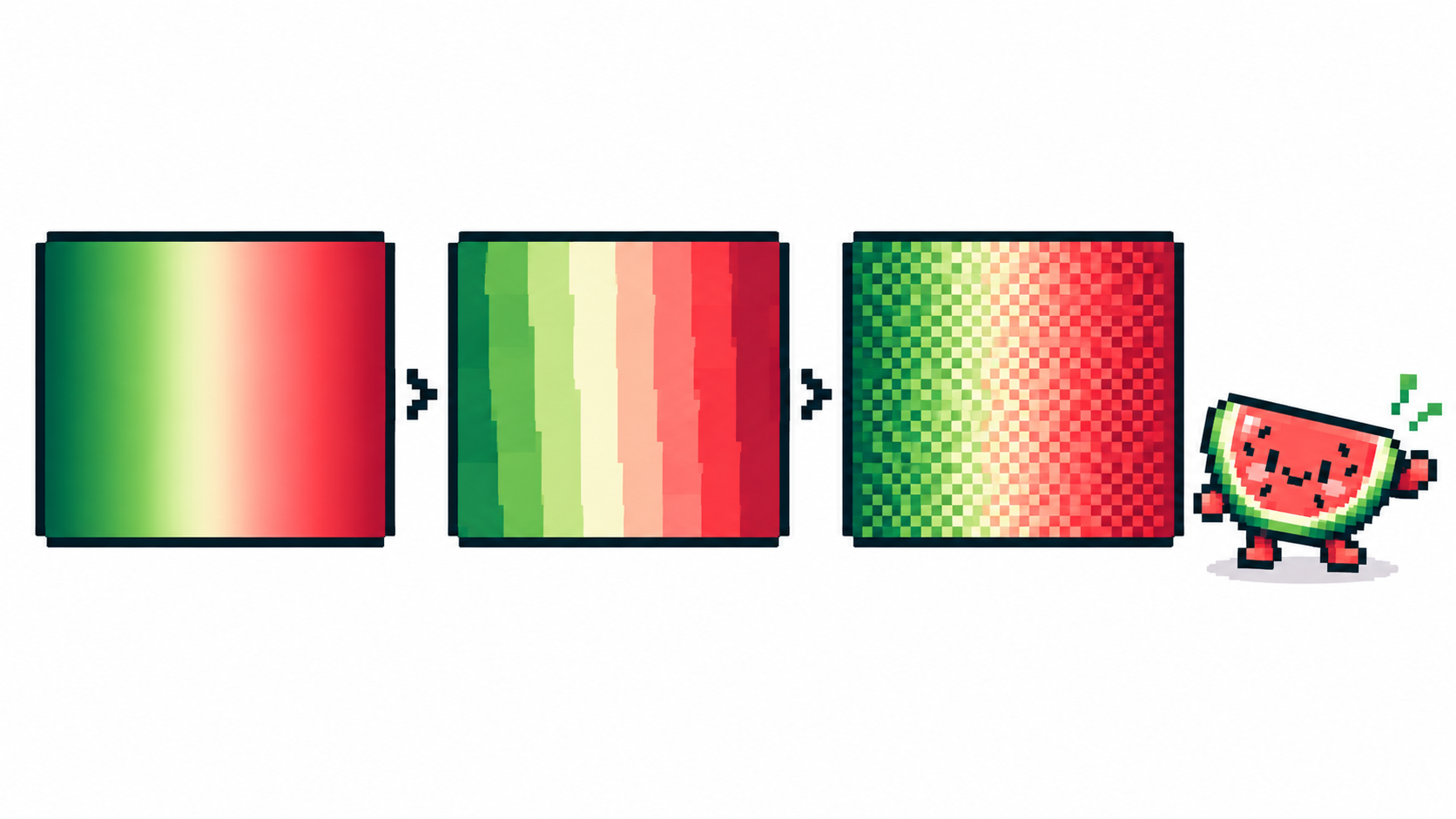
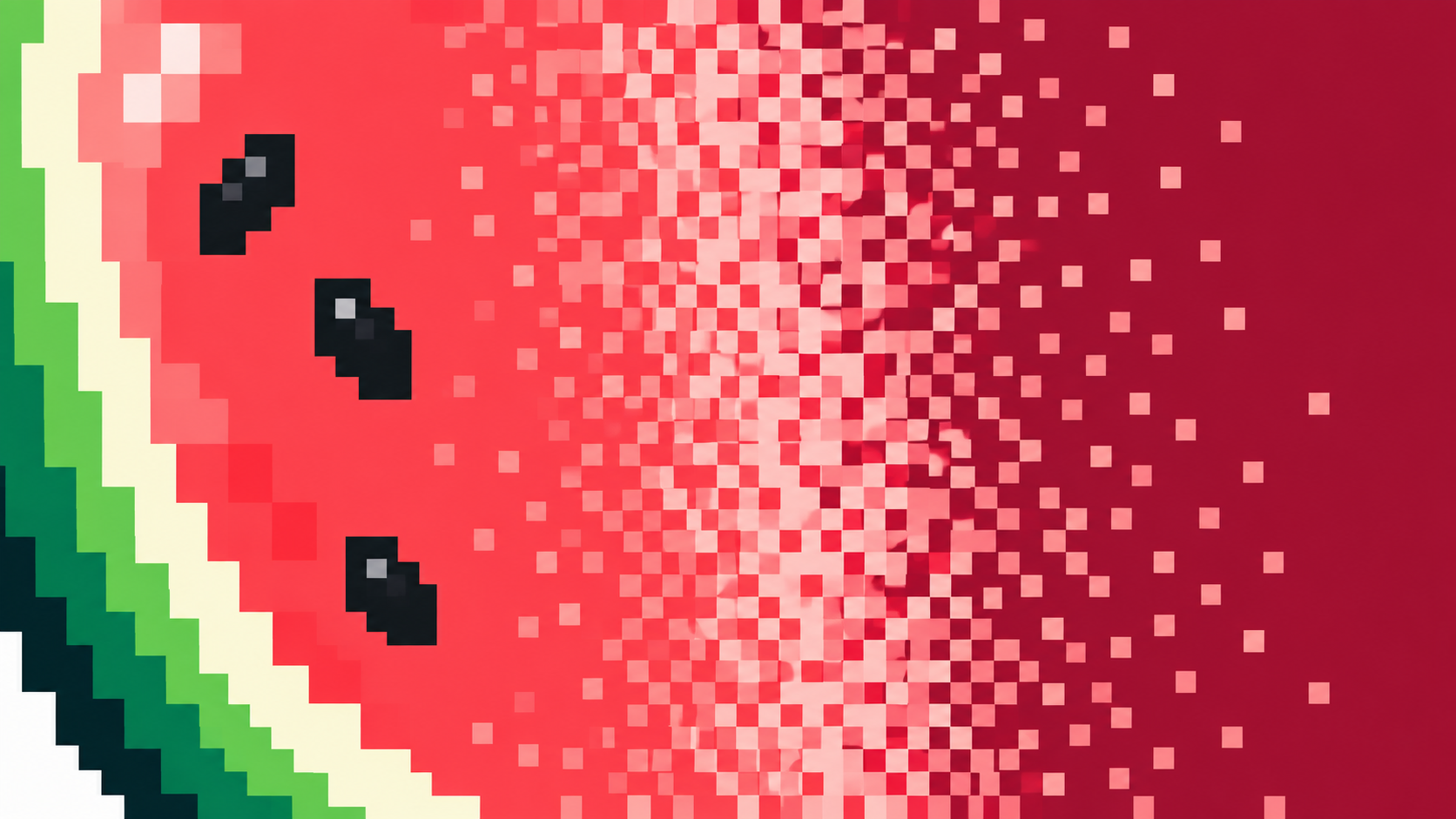
Quantizing a pixel to a small palette creates a rounding error — the difference between the true color and the chosen one. Floyd–Steinberg doesn’t discard that error: it pushes fractions of it onto the not-yet-processed neighbors (mostly right and below). Those neighbors then quantize slightly darker or lighter to compensate, and the compensation ripples outward. The result: smooth areas become fine dot patterns that read as in-between tones at normal size. It is deterministic math, not randomness.
Why PixiMelon uses exactly this method
PixiMelon’s converter quantizes with a median-cut palette and then optionally diffuses with Floyd–Steinberg — the combination that preserves gradients best at low color counts. It is the only diffusion method in the tool, which is a feature: one well-understood behavior to learn instead of five presets. Turn it on for skies, skin and metal; turn it off for flat cartoon fills and tiny sprites, where the dots read as dirt rather than tone. The general dithering guide has the side-by-side decision rules.
Why it fights Sharp pixels
Sharp pixels disables smoothing for hard-edged, flat fills — the philosophical opposite of error diffusion, which deliberately bleeds error across edges. The converter enforces the choice (Sharp on, dithering off) because mixing them produces the worst of both: softened edges and dot noise. Compare the three renders — dithered, plain, sharp — per image, not per habit.
Limits worth knowing
- Diffusion can’t invent detail: a 4-color sky gets texture, not clouds.
- It multiplies hand-cleanup work — convert clean first if you plan manual edits.
- At 1× display size on tiny sprites the pattern can overpower shapes; judge at final size.
Frequently asked questions
What does Floyd–Steinberg dithering do?
It spreads each pixel’s quantization error to neighboring pixels, turning banding into fine dot texture that reads as extra tones.
When should I turn it off?
Flat cartoon fills, tiny sprites, and anything you plan to clean up pixel by pixel.
Why can’t I combine it with Sharp pixels?
They are opposites — diffused texture versus hard flat fills. The converter enforces one look per render.
Does Floyd–Steinberg add randomness?
No — it is deterministic math. Each pixel’s rounding error is pushed to its neighbors, so the same image and settings always give the same dots.
Have a picture in mind? Turn it into pixel art