
Pixel Art Texture Techniques
Texture in pixel art is information per pixel. A few deliberate marks suggest wood, stone or cloth; a few random ones suggest only noise.
Clusters first, speckle last
Start every texture as clusters — connected shapes in a mid tone — then carve them with shadow and highlight clusters. Wood gets long grain clusters, stone gets blocky ones, cloth gets directional dashes. Only after the clusters read should any single-pixel speckle appear, and then sparingly: lone pixels are the loudest marks on the canvas.
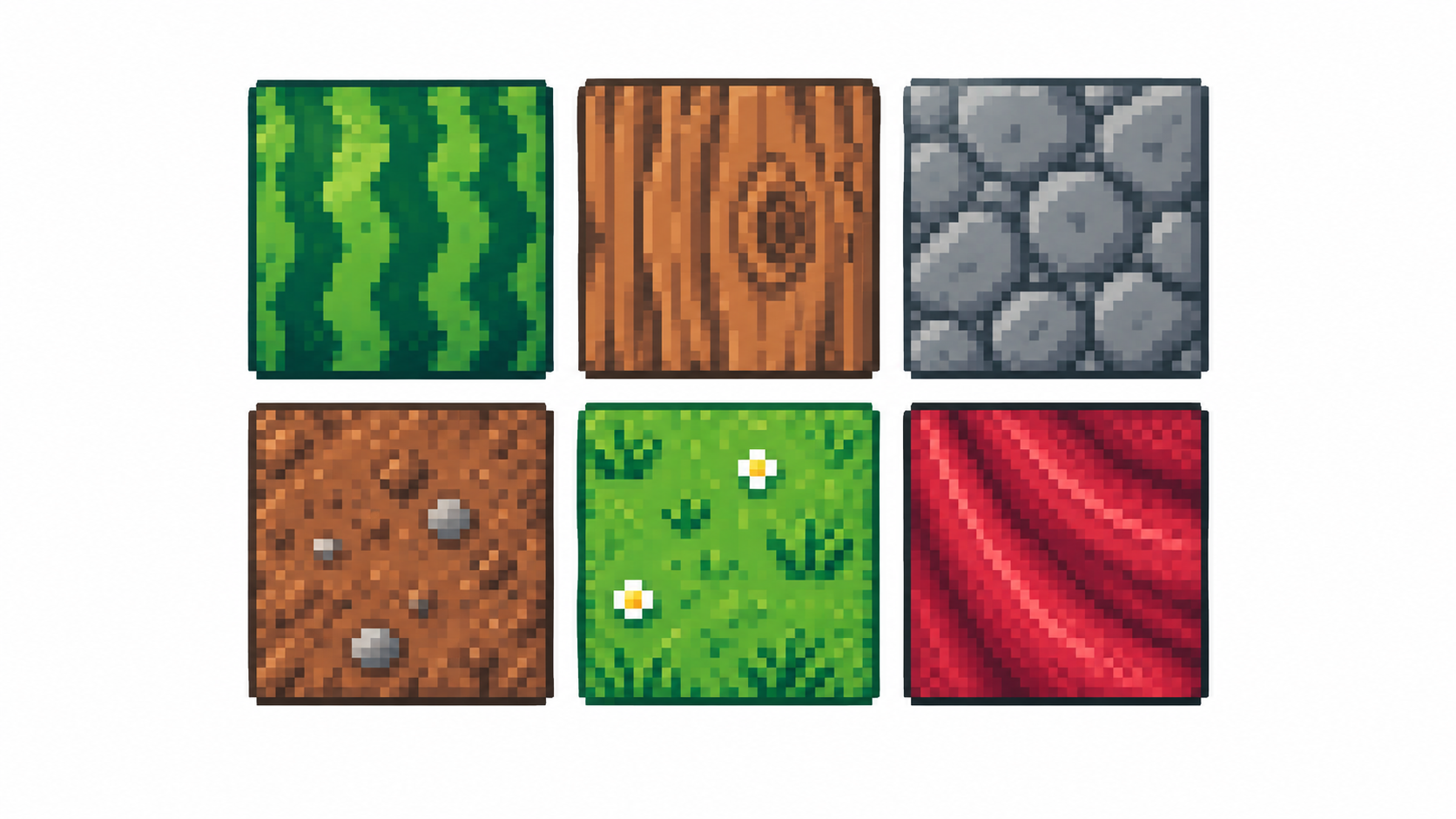
Selective noise, not salt
Real surfaces are uneven, but scattering random dark pixels everywhere (“salt”) reads as compression artifacts. Instead, concentrate irregularity where light breaks: pit the shadow side, keep lit planes calm. Vary cluster size more than color count — three tones arranged well beat six tones scattered.
Grain versus dithering
Dithering is systematic transition texture between two tones; grain is irregular surface detail. Use dithering where a gradient needs to survive few colors, grain where a material needs character. Never use both on the same square centimeters — pick the job each area is doing.
Knowing when to stop
The most common texture mistake is texturing everything. Focal areas (face, hands, hero item) earn detail; backgrounds and secondary cloth stay quiet so the eye knows where to land. Zoom out: if the texture disappears at display size, it was process, not product — simplify it.
Frequently asked questions
How do I make textures without noise?
Build connected clusters first, add single pixels last and rarely, and concentrate irregularity in shadows.
Dithering or hand texture?
Dithering for smooth transitions between tones; hand texture for material character. Rarely both in one spot.
Why does my texture vanish at full size?
It was sub-pixel process detail. Thicken clusters until the texture survives the zoom-out test.
How much texture is too much?
When it survives the zoom-out test on focal areas only. Backgrounds and secondary cloth stay quiet so the eye knows where to land.
Ready to draw? Open the Pixel Art Maker