
How to Pixelate an Image
“Pixelated” usually means blocky — but blocky from resizing is mush, while blocky from quantization is craft. Here is the difference and how to get the second one.
Why plain resizing fails
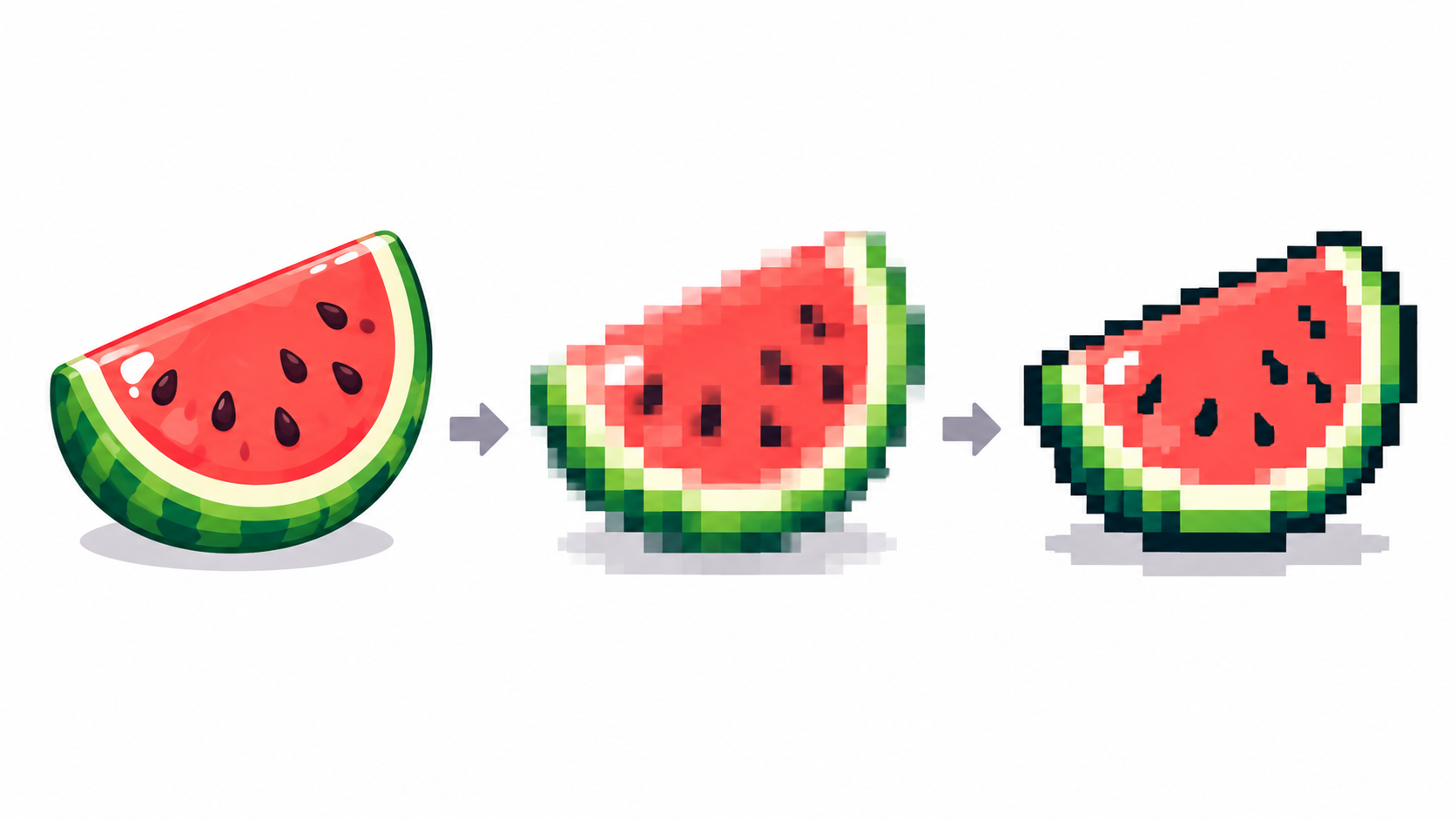
Enlarging with smoothing invents blurry in-between tones; enlarging without it makes uneven blocks. Neither places a single deliberate pixel. Real pixelation reduces information first (fewer pixels, fewer colors) and displays the result big — the workflow PixiMelon’s converter implements as downscale → palette → optional dithering.
The automatic method, done right
- Pick output resolution for the look (32–64 px retro, 128–256 px detailed).
- Drop colors until shapes flatten (8–16 is the working range).
- Decide texture: dithering for gradients, sharp pixels for flat art.
- Send to the editor and clean silhouettes by hand — the step that separates craft from filter.
The full conversion workflow expands each step.
The manual method
For tiny sprites, skip automation: place a canvas at target size, block major shapes with 3–5 flat tones, refine with a tight palette. Slower, fully controlled, and the only honest route under ~32 px. Reference the photo on one layer, draw on layers above — the editor’s import places it for you.
Choosing input wisely
Simple subjects with clean backgrounds pixelate; busy dark photos speckle. Input resolution matters too — best resolution guidance covers what to feed the converter and why small photos stay small.
Frequently asked questions
How do I pixelate without blur?
Reduce pixels and colors first (quantize), then display big. Never upscale with smoothing and call it done.
Automatic or manual pixelation?
Automatic for drafts and photos, manual under ~32 px or for hero sprites, hand cleanup for everything showcase-worthy.
Why does my pixelated image look speckled?
Too much detail for the color count, or dithering on flat art. Lower colors or switch to sharp pixels.
Can I pixelate something tiny, like a 32 px icon?
Below roughly 32 px skip automation: block 3–5 flat tones by hand on a canvas at target size. Quantizers need pixels to work with.
Have a picture in mind? Turn it into pixel art