
Pixel Art Animated GIFs
GIF is 1987 technology that happens to be perfect for pixel art: few colors, hard edges, endless loops. Here is how to use it well.
Why GIF suits pixel art
GIF stores at most 256 colors per frame — a limit pixel art never notices — with lossless compression that preserves hard edges (unlike JPEG) and real transparency. Loops are native to the format. A 4-frame, 12-color sprite compresses to kilobytes and plays everywhere: chats, portfolios, game previews.
Make it in PixiMelon
Build frames in the animator, preview the loop at your target FPS, then Download GIF. The export loops forever, keeps transparency, and renders the longest side at 512 px or larger so small sprites stay crisp when shared. Timing lives in the FPS choice — set it before exporting, since GIF players just obey the file.
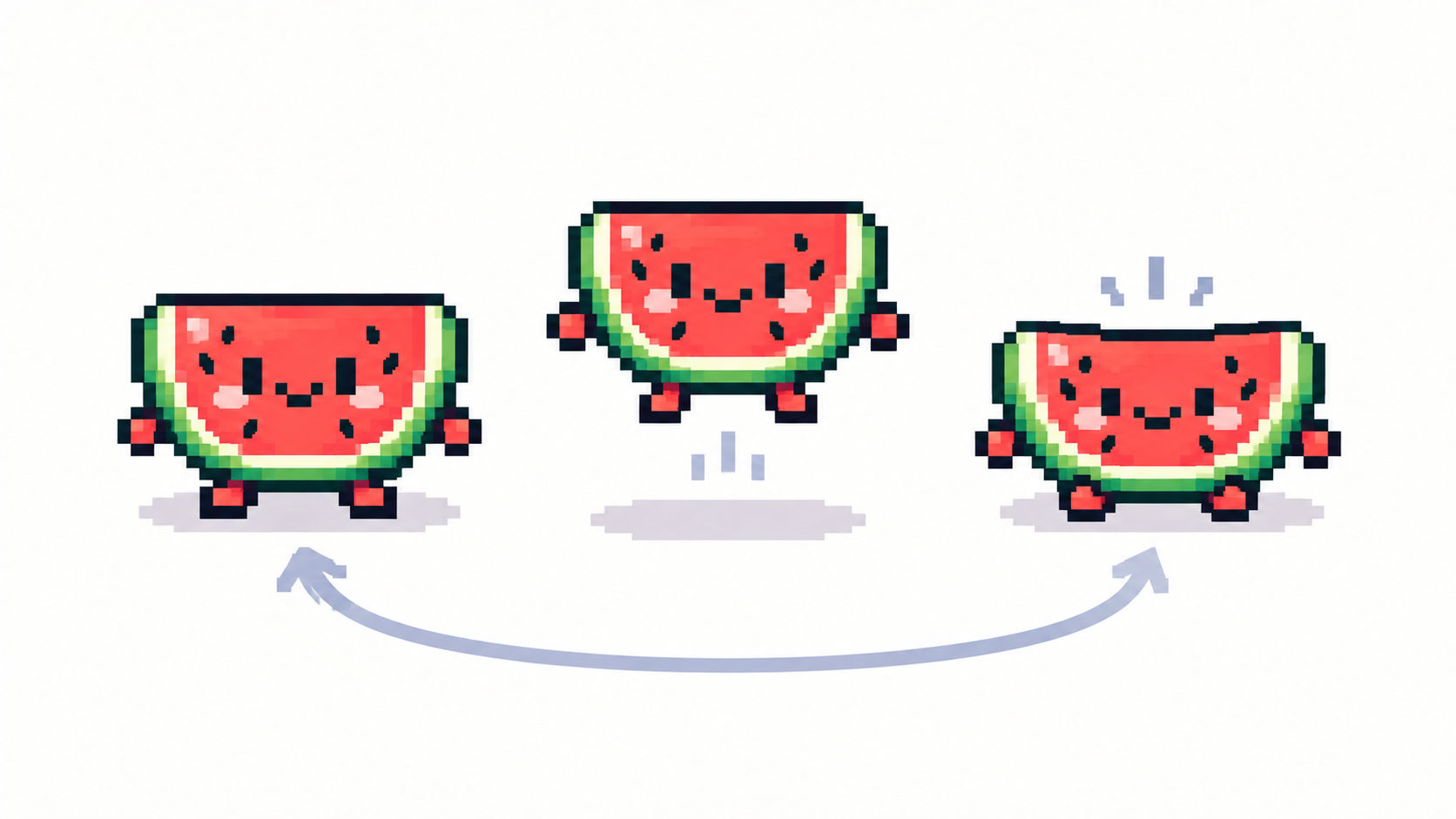
GIF or sprite sheet?
- GIF — sharing, previews, stickers, portfolio loops. Self-playing everywhere.
- Sprite sheet — games and engines that slice frames themselves; full quality control. See sprite sheets explained.
- Single PNG — one perfect frame for thumbnails and icons.
If a GIF export ever fails on a huge canvas, the sprite sheet is the reliable fallback.
Common GIF mistakes
- Too many frames at high FPS — file balloons; pixel loops want 4–12 FPS, not 24.
- Exporting before checking the loop seam — preview first, always.
- Dithered gradients in GIF — the format handles them, but each speck costs bytes; clean gradients compress smaller.
Frequently asked questions
Do pixel art GIFs loop?
Yes — PixiMelon exports loop forever with transparency preserved.
GIF or sprite sheet for games?
Sprite sheet. GIF is for sharing and previews; engines want sliced frames.
Why is my GIF blurry?
Something rescaled it non-uniformly. Export at exact multiples (or PixiMelon’s ≥512 px GIF) and keep pixels whole.
How big will my GIF file be?
Frames times pixels times colors: short loops at 4–12 FPS with tight palettes stay tiny; long high-FPS gradients balloon fast.
Have a sprite ready? Animate it online