
Pixel Art for Video Games
Game pixel art is a production discipline, not just a style: dozens of assets must share grids, palettes and export paths without surprises.
One grid, one palette family
Pick the tile grid first (16 px for tight retro, 32 px for modern indie) and draw everything — characters, tiles, UI — on it. Share one master palette family across assets with per-sprite subsets; related assets then composite without clashes and compress better. Decide display scale (2×–4× typical) before drawing, never after.
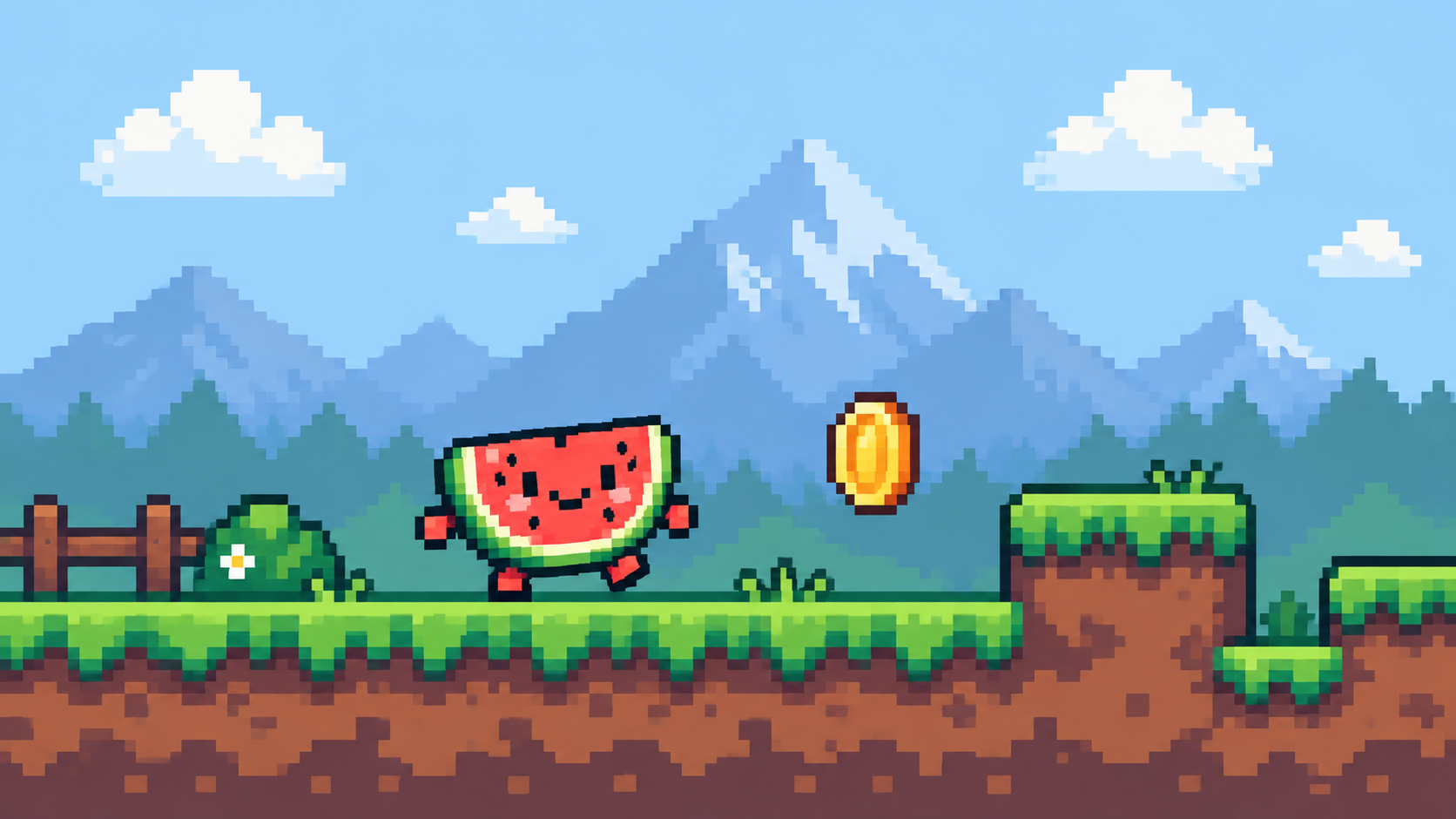
The asset roster
- Characters: idle, walk, and one or two actions each — design, then walk and idle.
- Tilesets: modular ground/wall pieces on the grid — see tilesets.
- Backgrounds: layered depth behind gameplay — see backgrounds.
- Effects and pickups: small, high-contrast, few frames.
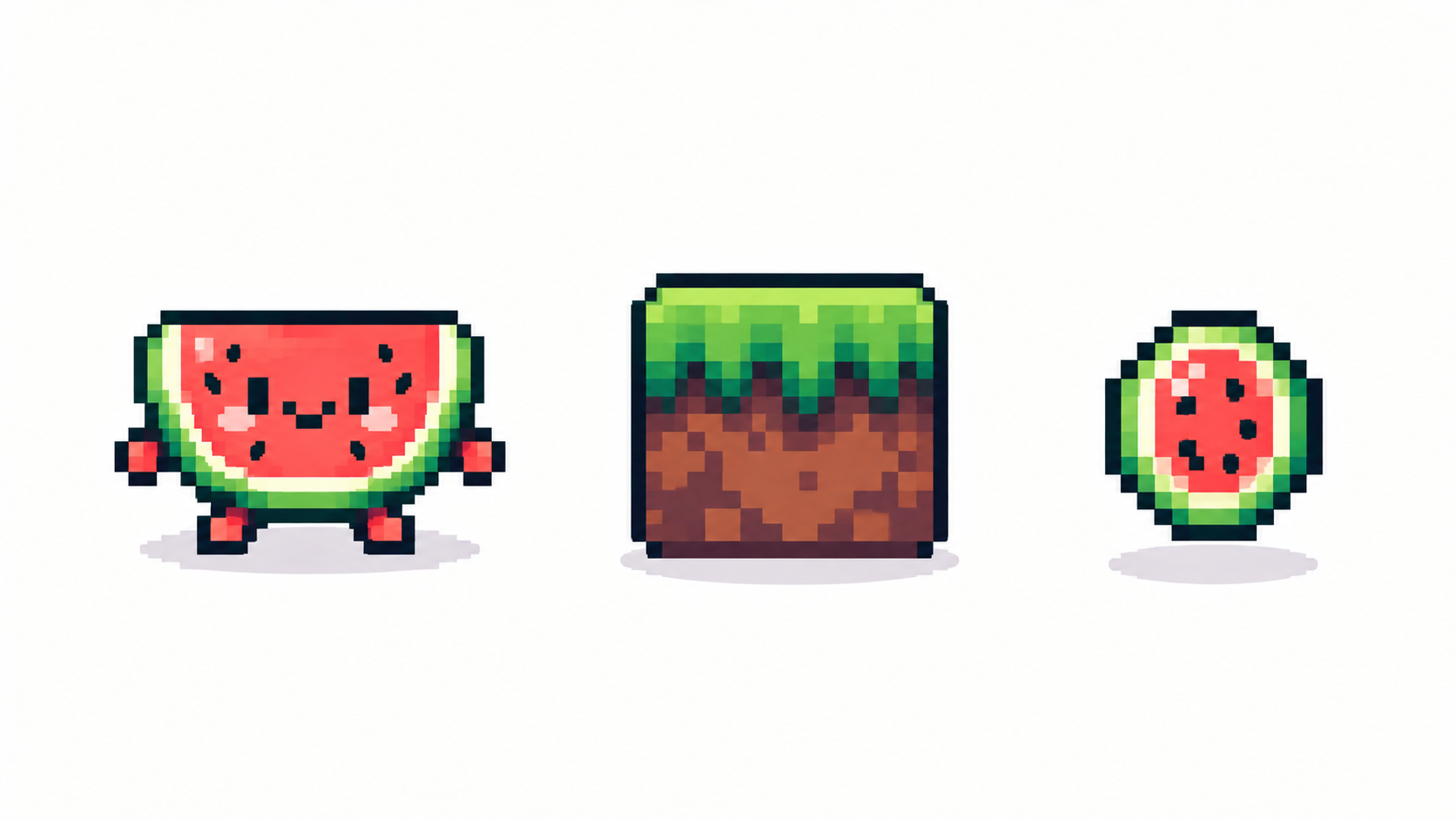
Sheets and exports engines accept
Deliver animations as sprite sheets (uniform cells, filmstrip order, transparent PNG) and statics as PNG at exact multiples. Name files by action and direction; keep a text-side frame list if the engine needs timings, since PNG carries no FPS. Test one full character — sprite, sheet, in-engine — before producing the other forty.
Scope like a developer
Art debt kills projects faster than ugly art: lock the roster early, reuse palettes and tiles aggressively, and let constraints (few frames, small grids) do stylistic work for you. A finished 8-frame cast beats an abandoned 24-frame dream.
Frequently asked questions
What size should game sprites be?
Match the tile grid: 16 px for tight retro, 32 px for modern indie. Decide scale before drawing.
How do I keep game art consistent?
One grid, one palette family, one display scale across every asset. Test a full character in-engine early.
PNG or sprite sheets for games?
Sheets for animations, PNG statics for tiles and UI — both transparent, both at exact multiples.
How many frames do game animations need?
Idle 2–4, walks 4–8, effects as deserved. Lock the roster early — a finished small cast beats an abandoned big one.
Ready to draw? Open the Pixel Art Maker