
How to Export Pixel Art
Export is where pixel art usually dies — blurred by resampling, muddied by JPEG, or saved at odd scales. Five minutes here protects hours of drawing.
Pick the format by destination
- PNG — games, web, sharing, sprite work. Lossless, transparent, universal.
- SVG — logos and icons that must scale forever. PixiMelon writes true vector rectangles, one unit per pixel.
- PDF — print and portfolios, as vector rectangles sized to the art.
- GIF — looping previews and stickers from animations (see animated GIFs).
Never JPEG for pixel art: its compression was designed for photos and smears hard edges into mush.
Scale in whole multiples
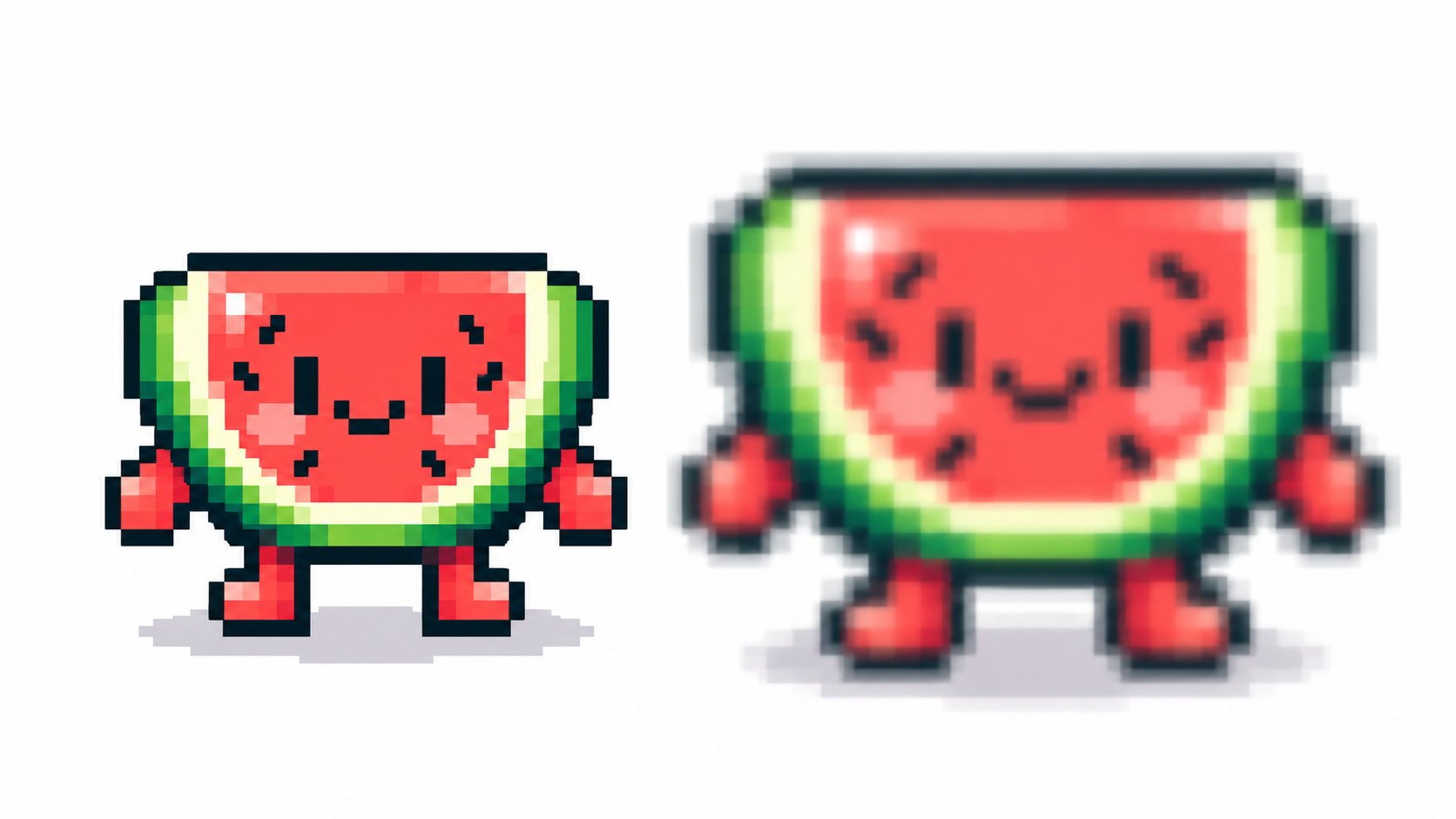
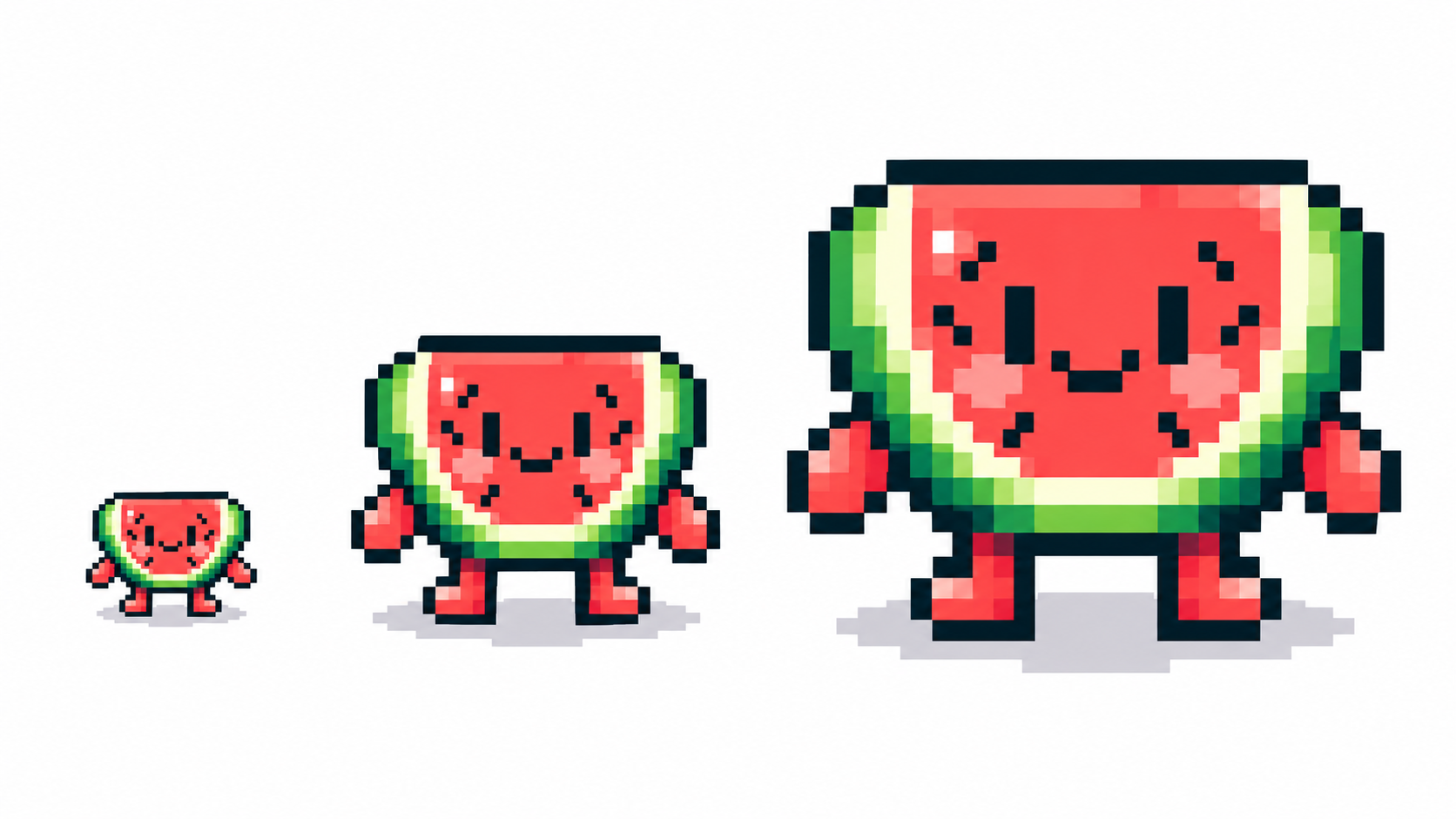
PNG exports at native canvas size (1×), so every pixel stays exact. To show it bigger, scale up in whole multiples in any viewer with smoothing off — fractional scales warp pixels unevenly and shimmer in motion. For print, scale to your target physical size at the printer’s DPI the same way.
Keep quality: transparency, names, checks
- Flatten transparency deliberately — keep alpha for sprites and stickers, flatten onto intended backgrounds otherwise.
- Name the project first: PixiMelon derives filenames (including sprite sheets and GIFs) from it.
- Reopen the export and view at 100%: check edges, single-pixel details and loop seams before shipping.
- Huge SVG exports ask for confirmation —Detailed art explodes into rectangles; PNG often serves better at scale.
From export to engine and web
Games take PNG statics and sprite sheets; web takes PNG at display multiples or SVG for icons. One master project file (.piximelon.json) plus per-destination exports beats re-exporting from memory — save the project, then export each target fresh.
Frequently asked questions
Which format for pixel art on the web?
PNG at exact display multiples for art; SVG for logos and icons that must scale.
Why is my exported pixel art blurry?
Resampling with smoothing, JPEG compression, or fractional scaling. Export PNG at whole multiples, never JPEG.
How do I keep transparency?
Export PNG, GIF or SVG with the alpha channel intact — and decide deliberately whether each asset needs it.
Can I print pixel art?
Yes: vector PDF and SVG scale to any physical size flawlessly. For PNG, scale to whole multiples of the canvas at the printer’s DPI.
Ready to draw? Open the Pixel Art Maker