
Pixel Art Shading
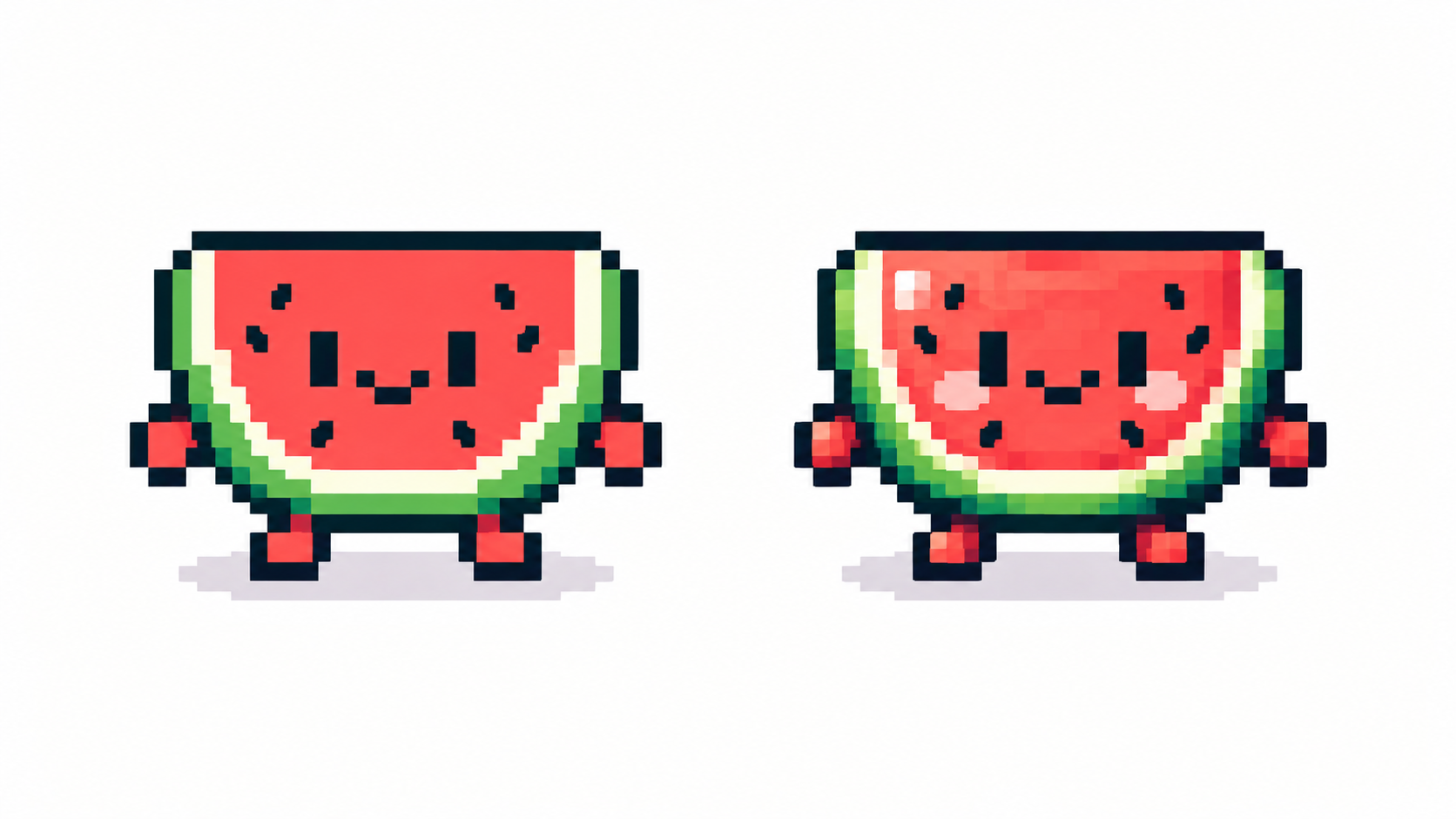
Shading at pixel scale is sculpture with squares: place shadow masses where planes turn from the light, and keep every cluster meaningful.
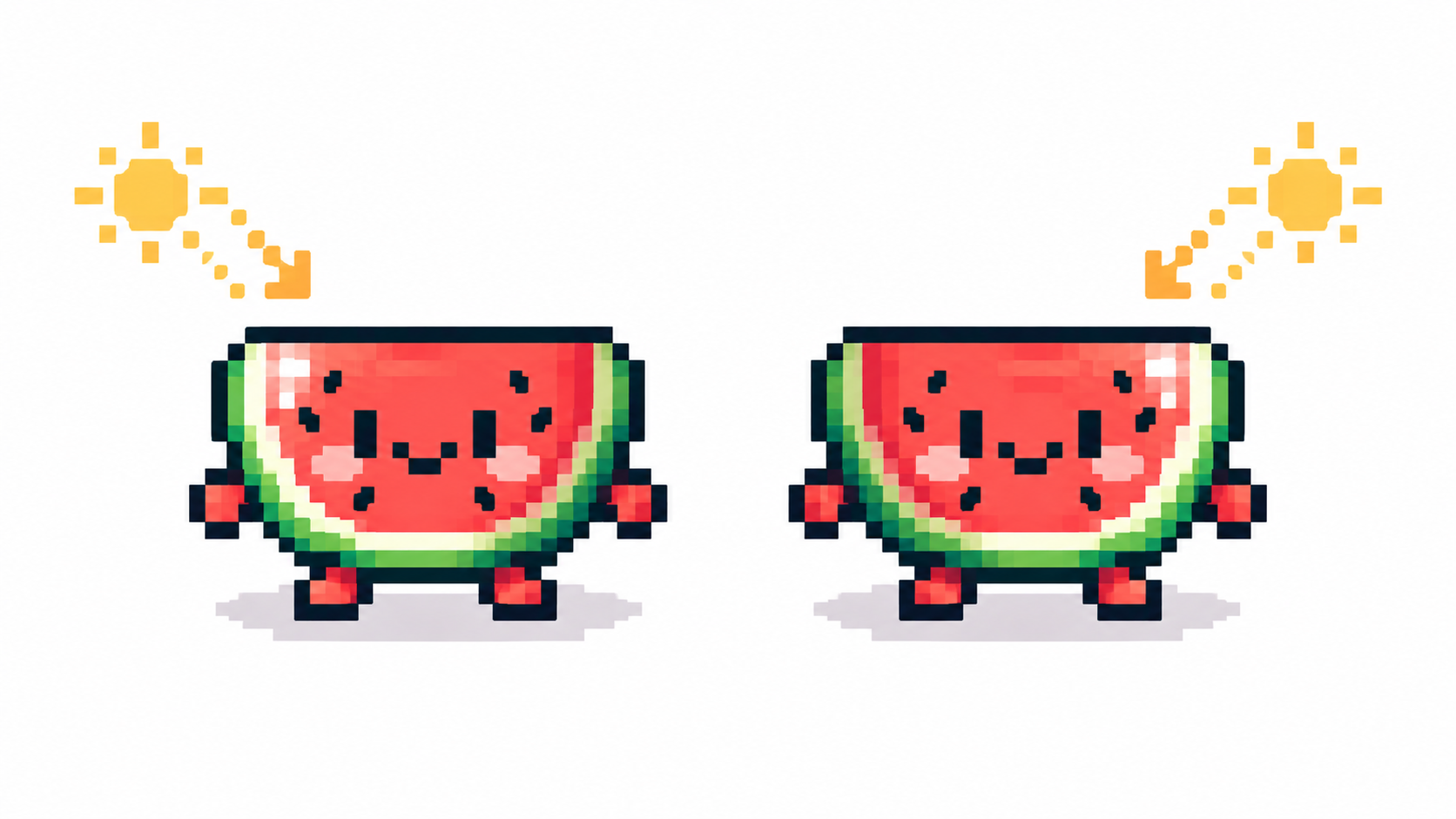
One light source, decided up front
Pick a direction — top-left is the classic default — and never move it mid-sprite. Every shadow answers one question: does this plane face the light? Consistent answers across the whole piece create form; drifting answers create noise. Sketch the shadow masses as flat shapes first, detail second.
Think in clusters, not pixels
A cluster is a connected patch of one color. Strong pixel art uses few, chunky clusters; weak art scatters lonely pixels (“noise”) and one-pixel-wide staircases (“banding”). When shading, extend existing clusters rather than sprinkling new dots — reshape the shadow mass instead of peppering it. Zoom out constantly: clusters are judged at display size, not at 800%.
The two classic mistakes
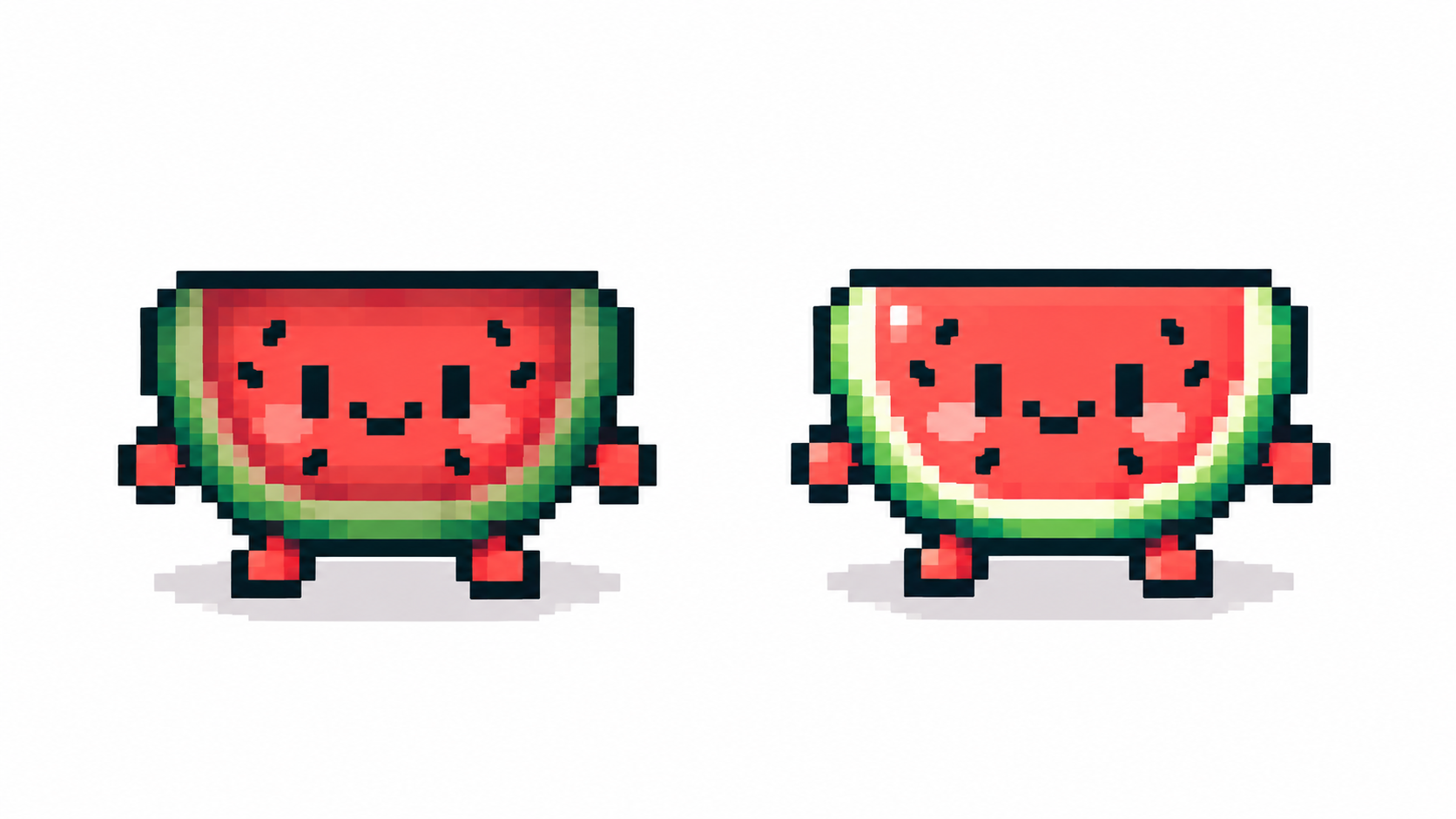
- Pillow shading — darkening all edges toward the center as if light came from the viewer. It flattens everything into a cushion. Push shadows to one side instead.
- Banding — stair-step rows of pixels bridging two colors, usually along curves. Break them: merge steps into the darker cluster or re-step the curve.
Gradients want dithering, flats want discipline
Where a surface curves smoothly (cheeks, metal, sky), dithering trades banding for texture. Where surfaces are flat (cartoon clothes, UI), keep fills clean and let the ramp steps do the talking. One piece can use both — just never on the same surface. Finish by checking values in grayscale.
Frequently asked questions
What is pillow shading and why is it bad?
Shading every edge toward the middle as if lit from the front. It removes directional form — anchor shadows to one light direction instead.
What are clusters in pixel art?
Connected patches of a single color. Fewer, larger clusters read cleaner; scattered single pixels read as noise.
Should I dither my shading?
On smooth gradients, yes; on flat fills, no. Match the technique to the surface, not the habit.
How do I shade metal differently from skin?
Metal wants tight high-contrast steps and tiny highlights; skin wants soft close-valued ramps with hue-shifted shadows. Match technique to material.
Ready to draw? Open the Pixel Art Maker